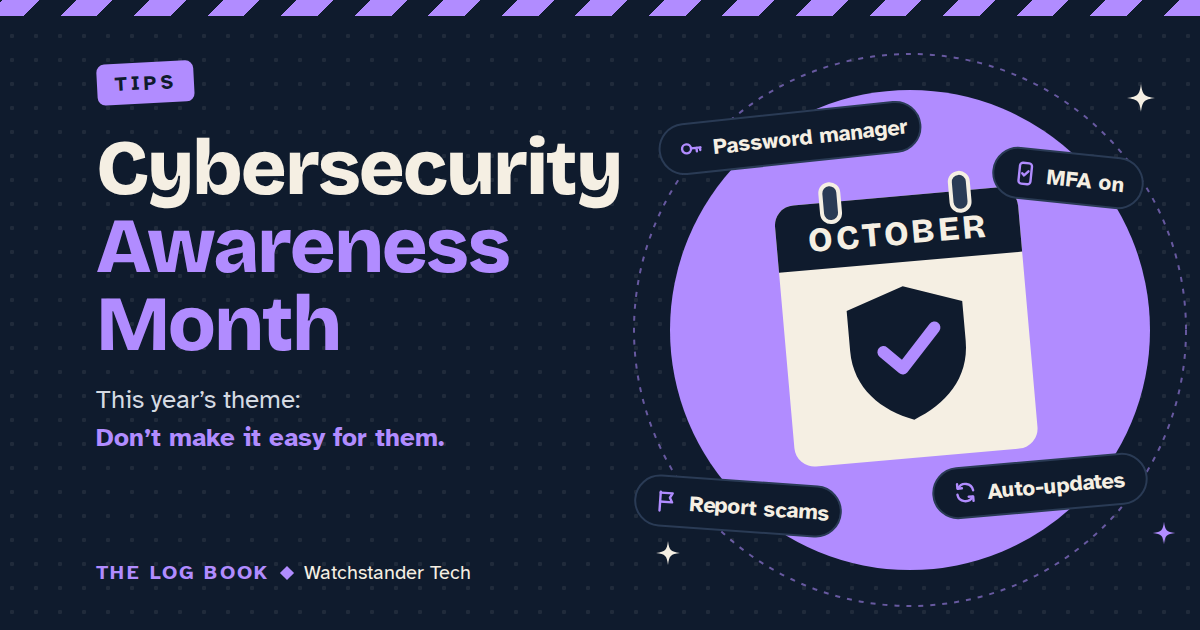
October 1st kicks off Cybersecurity Awareness Month, and I look forward to it every year. What I like most is how much the advice has improved. It used to be long and confusing. Now it fits on an index card.
Here's a quick look at where the month came from, the four habits it keeps coming back to, and how to put each one to work this week.
A short history
Cybersecurity Awareness Month began in October 2004 as a joint effort between the U.S. Department of Homeland Security and a nonprofit, then called the National Cyber Security Alliance (now the National Cybersecurity Alliance). Back then, it was called National Cyber Security Awareness Month, and the advice matched the times: keep your antivirus up to date.
In 2010 came STOP. THINK. CONNECT., a simple reminder to pause before you click, was built by a coalition of companies, nonprofits, and government agencies. It's still good advice.
By the month's 20th year, in 2023, CISA (the Cybersecurity and Infrastructure Security Agency, the federal government's cyber defense agency) and the National Cybersecurity Alliance had boiled two decades of lessons down to four simple steps, under a campaign called "Secure Our World."
This October is the 23rd. The National Cybersecurity Alliance's theme is "Don't Make It Easy for Them," and the idea behind it is that staying safe comes from small habits you repeat every day, not from a single perfect decision. CISA's theme, "Securing the Next 250," is aimed more at the organizations that keep our water, transportation, and health care running, but it lands on the same four basics. CISA says they should be "as automatic as buckling a seatbelt."
The four habits
1. Use strong passwords and a password manager. A strong password is long, random, and used for exactly one account. Nobody can remember dozens of those, which is the whole reason password managers exist. A password manager is an app that creates strong passwords, saves them, and fills them in for you, so you only have to remember one. If a website you use gets breached, a unique password keeps the damage at that one site. I wrote last month about why I set nearly everyone up with a password manager.
2. Turn on multifactor authentication. Multifactor authentication (MFA) means an account asks for a second proof that it's really you after your password, usually a code from your phone or a tap in an app. If a crook gets hold of your password, they still can't get in without that second step. Start with your email. Email is the key that resets every other password you have, so it deserves the best lock. Then do your bank and your social media.
3. Recognize and report scams. Most scams push the same buttons: a surprise, a rush, and a request for money, a code, or your login. The habit is to pause. If a message or call says there's a problem with one of your accounts, don't use the link or number it gives you. Please contact the company directly using the app you already have, the number on your card, or the number on your statement.
Then report it. Forward scam texts to 7726 (it spells SPAM), and report fraud to the FTC at ReportFraud.ftc.gov. Reporting helps shut these operations down and warns the next person. For a closer look at two of the slicker tricks going around, see The Voice Clone Call and Homoglyph attacks: the URL that isn't.
4. Update your software. Updates aren't just new features. Many of them patch security holes that criminals already exploit. Turn on automatic updates for your phone, computer, web browser, and apps, and when a device asks to restart, let it. One more thing: when a device is so old that it no longer receives security updates, that's the signal to retire it. CISA's advice to organizations this year is plain: replace end-of-support devices. It's good advice at home, too.
For small businesses
The four habits are the same at work. You just make them the rule instead of a suggestion. CISA's 2026 list for organizations reads almost the same: teach employees to avoid phishing scams, require strong passwords, require multifactor authentication, and update software. If you run a small business here in Bay County, those four are the foundation on which everything else is built.
Where to start
Don't try to do all four tonight. Pick one this week. If you want my vote, start with your email: set a unique password and enable MFA. That one change protects a surprising amount of your digital life.
That's the spirit of this year's theme. Most online crooks are looking for an easy target, and these four habits make sure that isn't you.
Stay sharp out there. Andrew